

how to start your tour
island audio tour | key west
.png)
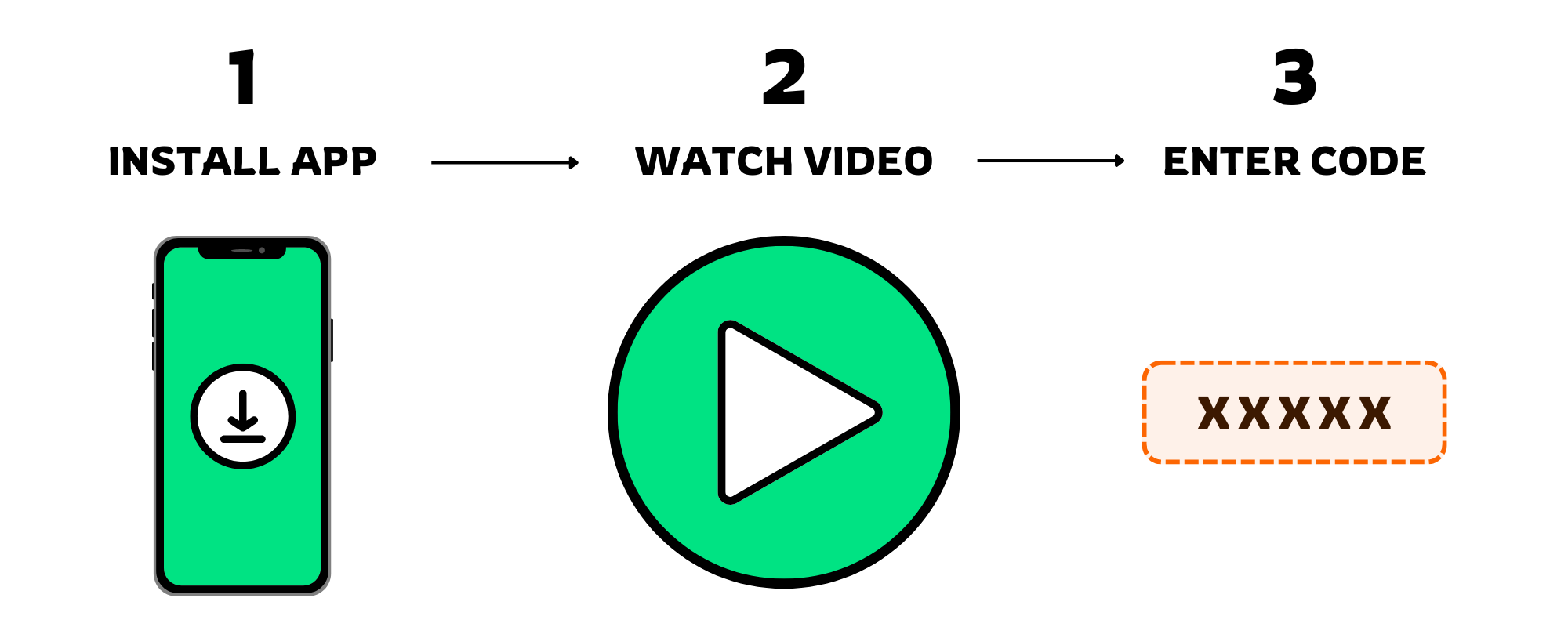
install voicemap on your phone


Each tour is written and narrated by Island Audio Tours and guided by your phone's GPS through the VoiceMap App — it's like a podcast that moves with you, to tell a story about what you're seeing at that moment.
just installed the app?

1
OPEN THE APP & PRESS START
Let’s get this party started, shall we?
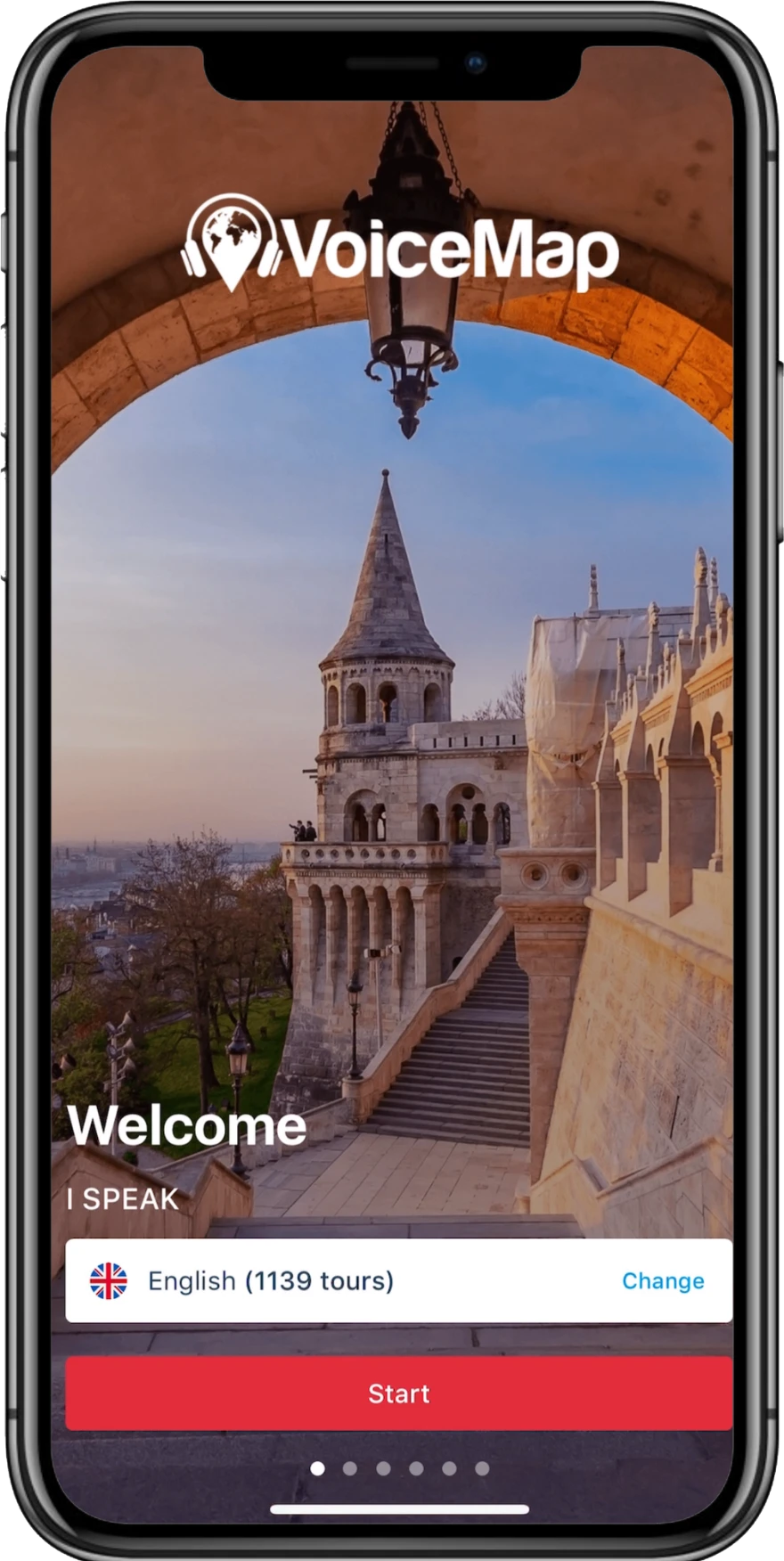
Open the app and you’ll see the welcome screen and a “Start” button.
Press this “Start” button to begin.
Open the app and you’ll see the welcome screen and a “Start” button.
Press this “Start” button to begin.

2
ENABLE LOCATION ACCESS
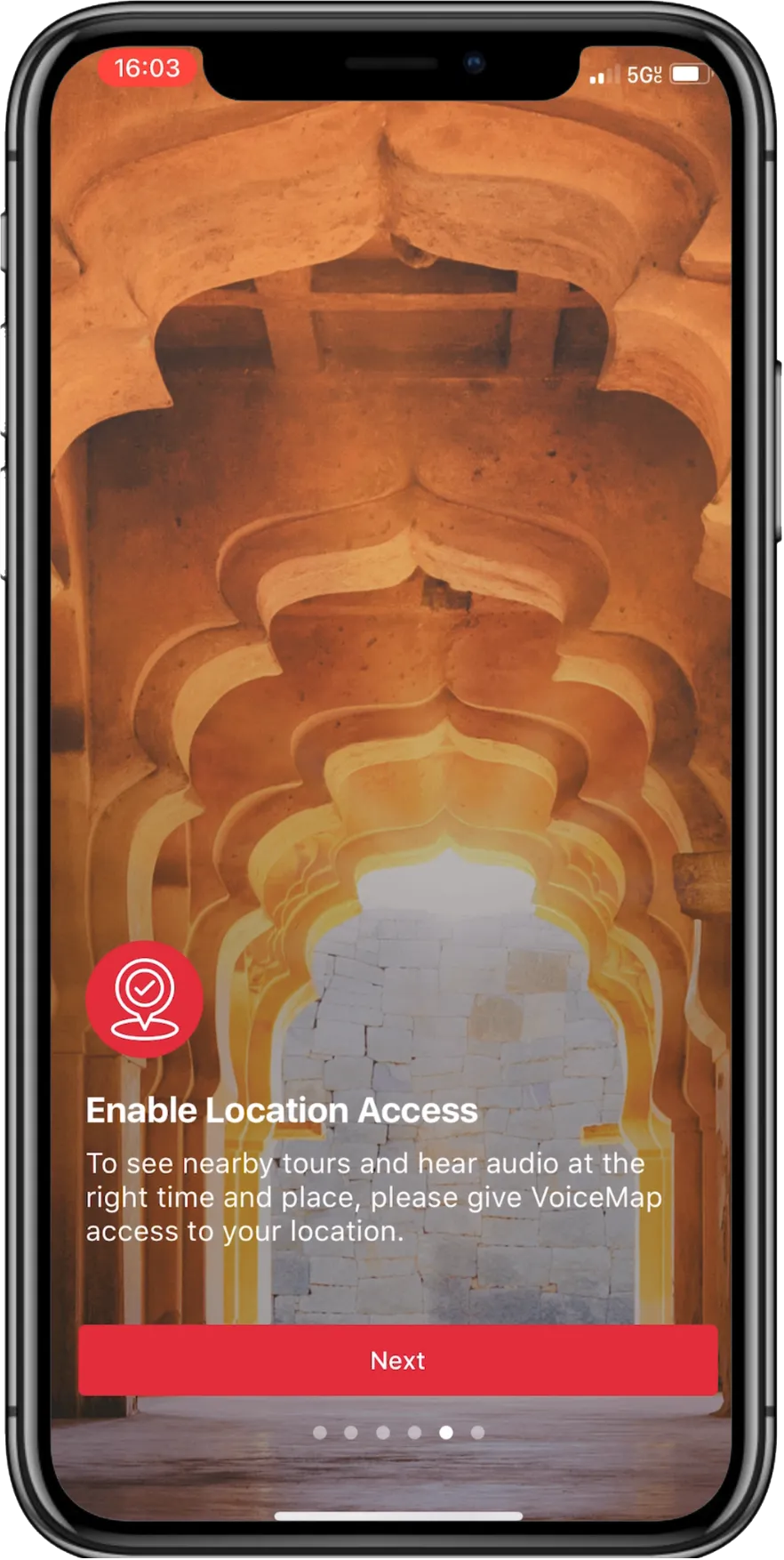
Our tours work by keeping track of your GPS position when you’re on your tour.
You must allow VoiceMap location access “While Using The App” for best results.
You must allow VoiceMap location access “While Using The App” for best results.
3
CREATE AN ACCOUNT
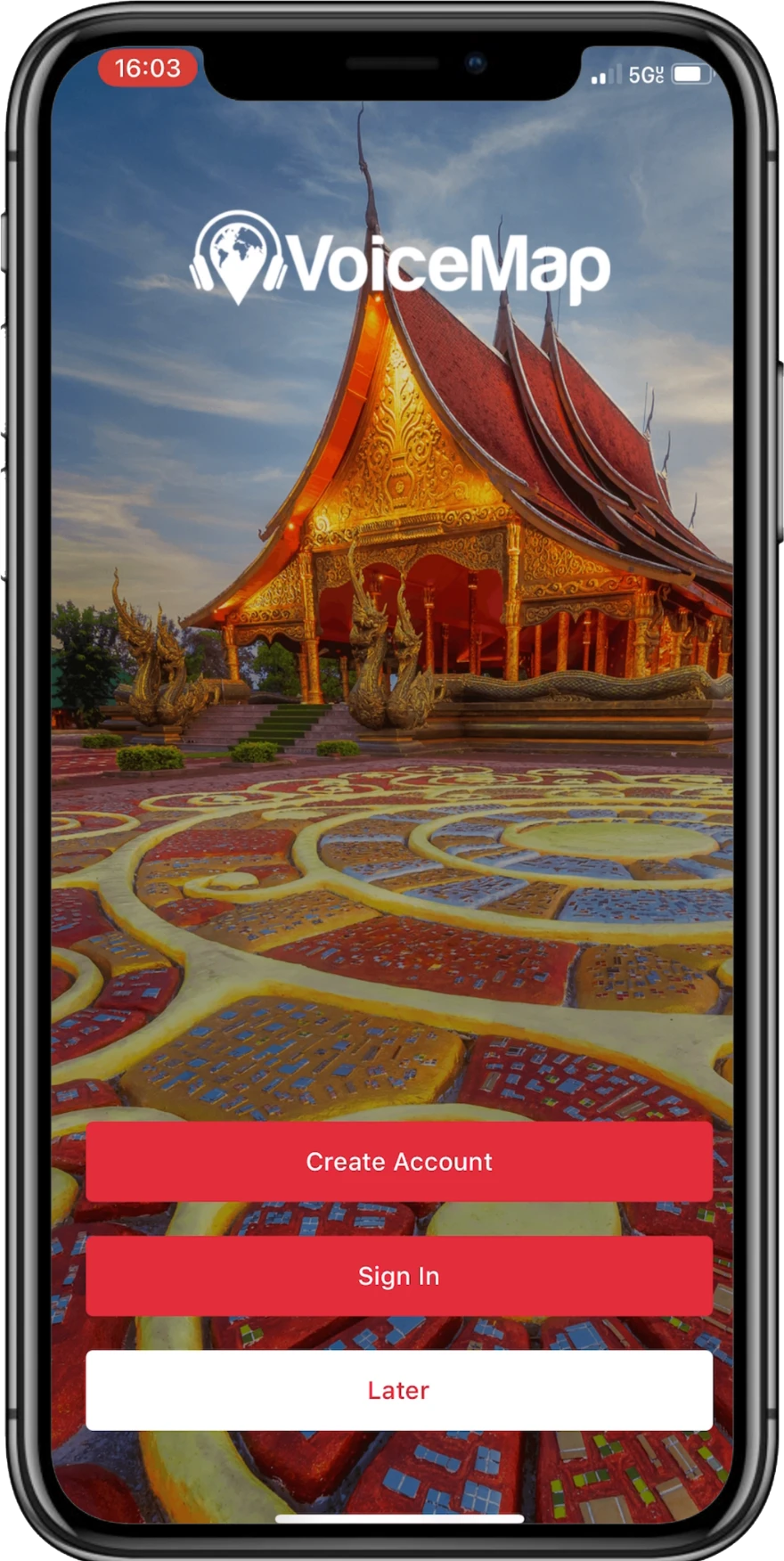
This takes 30 seconds, max.
If you want to sign in using Google or Facebook, it’s even easier.
If you want to sign in using Google or Facebook, it’s even easier.
4
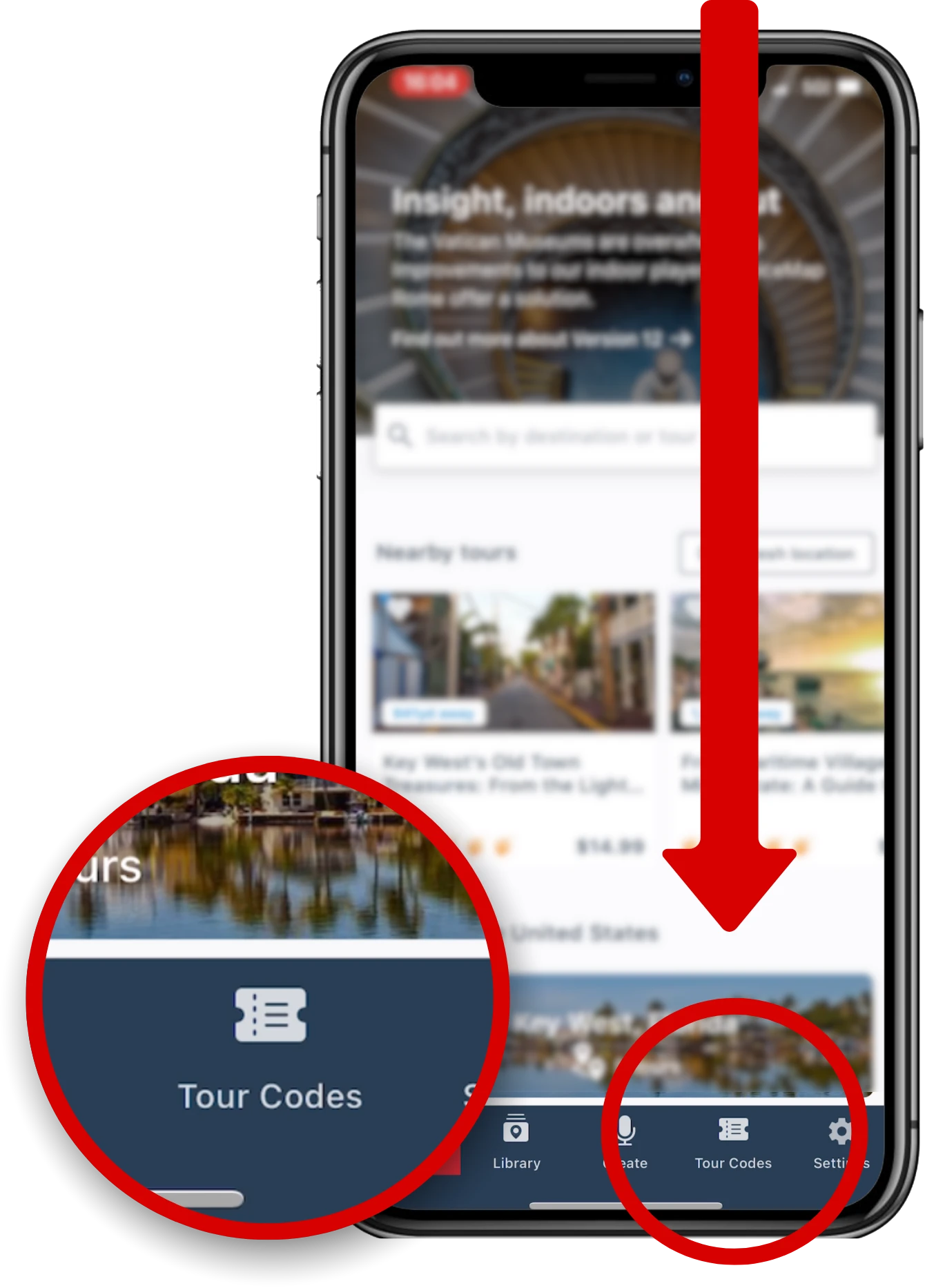
PRESS “TOUR CODES”
Once you’re in the app itself, we are going to enter your purchase code.
This is on the bottom bar, towards the right hand side.
Tap this “Tour Codes” icon.
This is on the bottom bar, towards the right hand side.
Tap this “Tour Codes” icon.
5
TAP this button
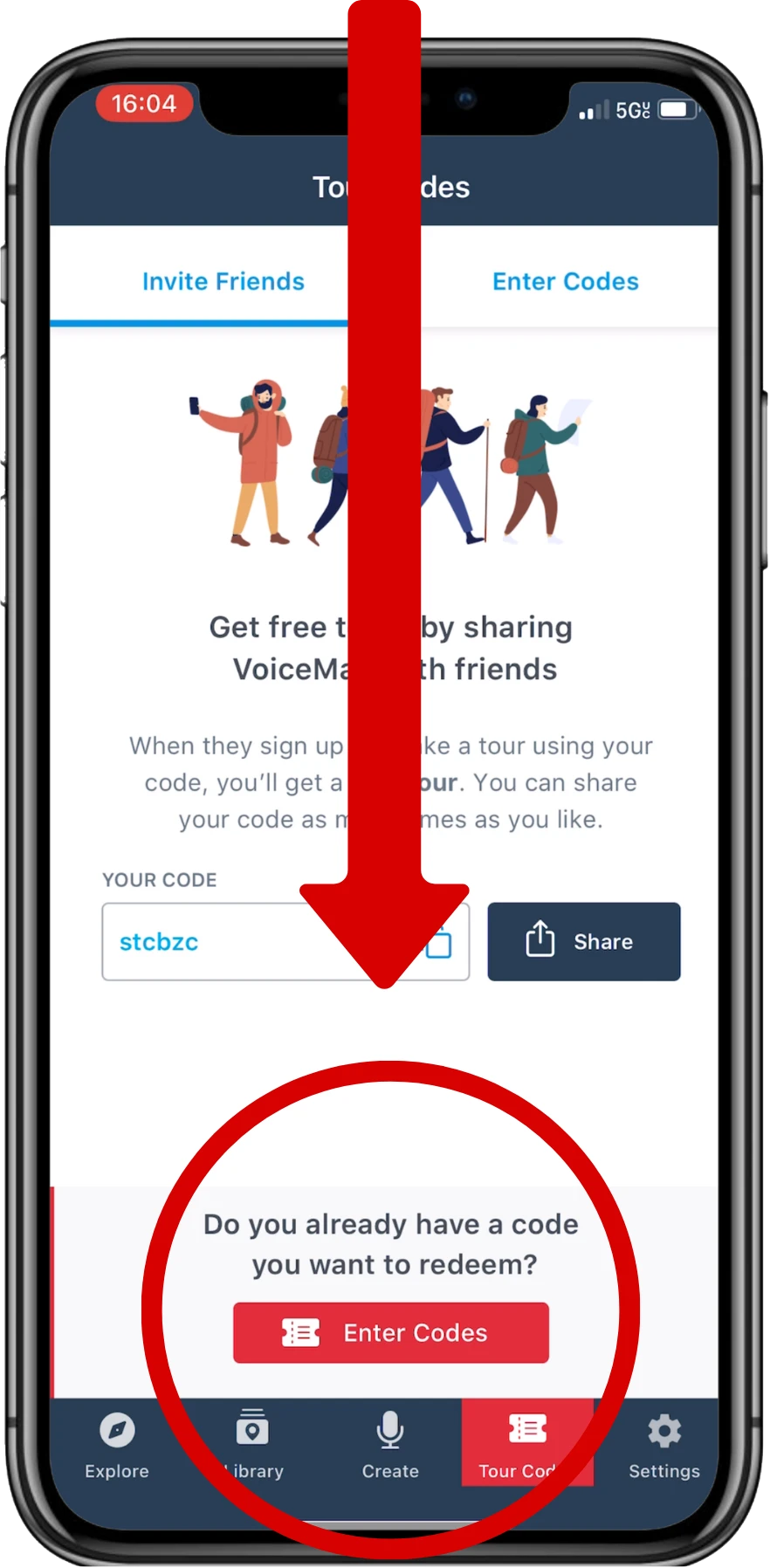
There is a red button at the bottom that says “Enter Codes”.
Tap this button.
The codes that you will enter are below on this page. 👇
Tap this button.
The codes that you will enter are below on this page. 👇
6
ENTER YOUR PURCHASE CODE(S)
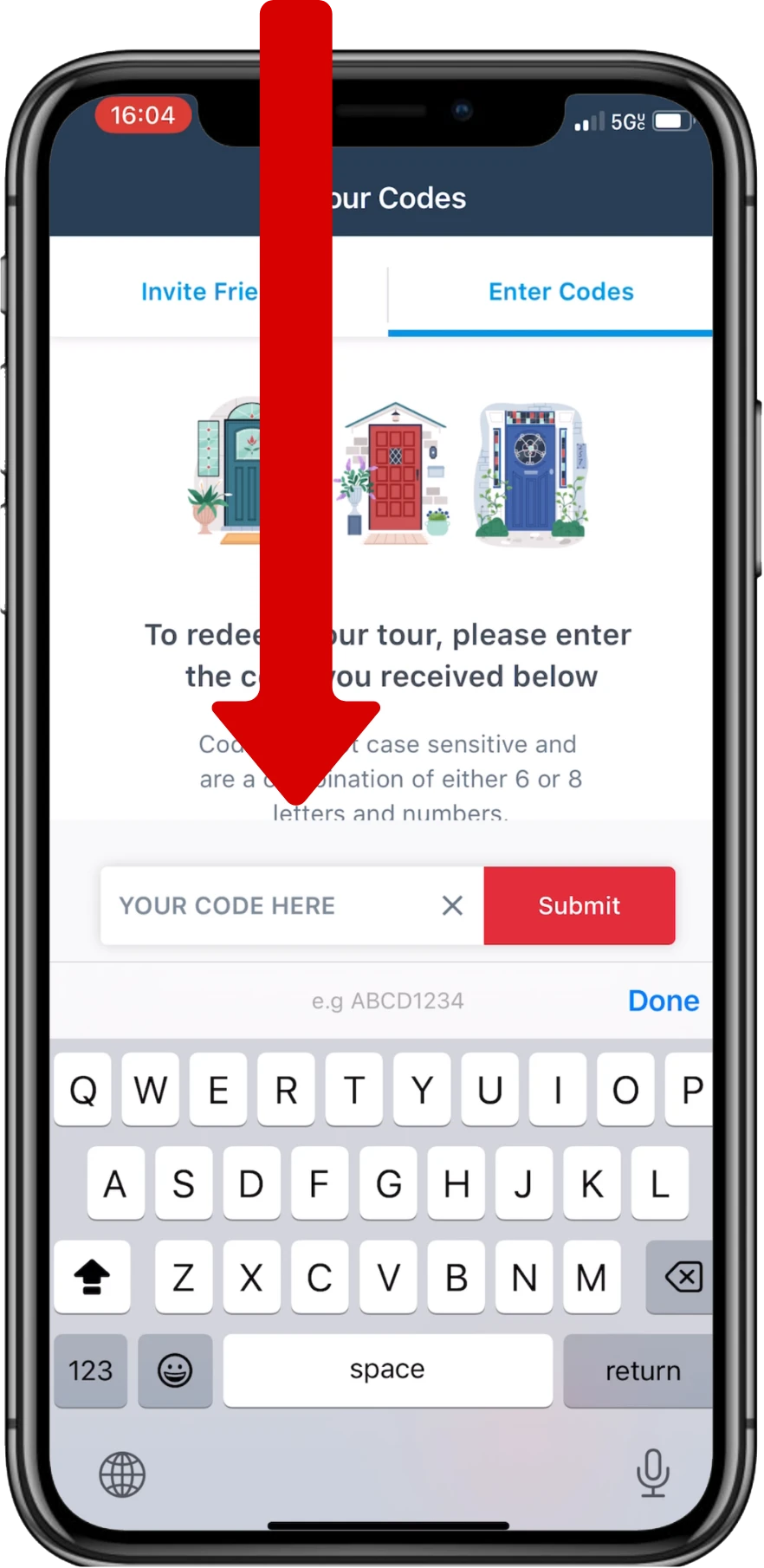
Every Island Audio Tour has a unique code that comes with purchase.
Enter your code into VoiceMap and hit “Submit”
Enter your code into VoiceMap and hit “Submit”

need A VIDEO OF THIS process?
Here’s a quick video walking you through using VoiceMap to find your tour:
your purchase code can be found on any of the following:
▸ your purchase confirmation page
▸ your purchase sms message
▸ your purchase confirmation email
